How Quilia Works
From invitation
to resolution.
Every step that turns your clients into documented, engaged case evidence — without burning paralegal time.
The Invitation
Send every client an SMS invite from the case file. One tap to download — no passwords, no paperwork, no friction.
Learn more

Instant Setup
Magic-link login with pre-filled profile. Your intake team skips the phone tag — clients are ready to engage in seconds.
Learn more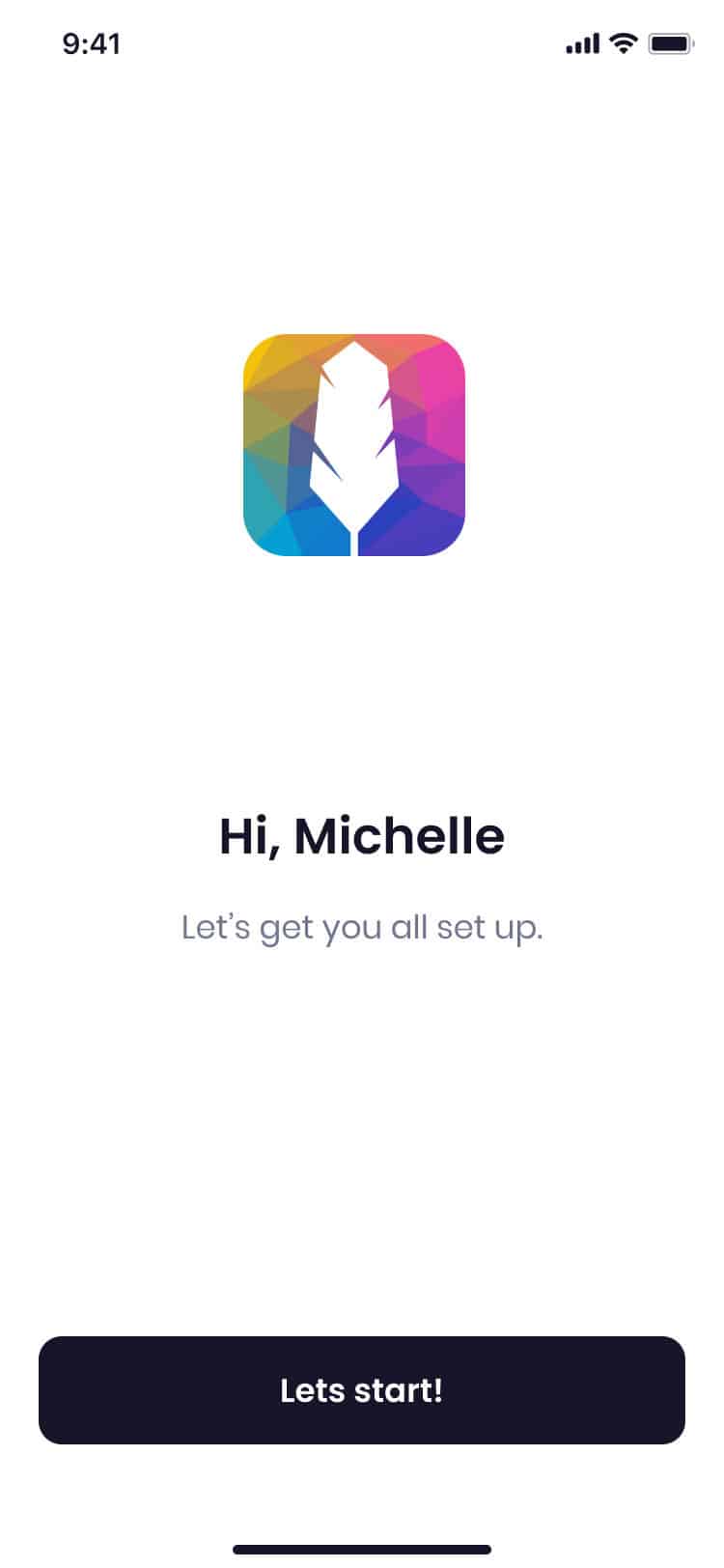
Daily Tracking
Clients complete a daily Health Check-in covering pain, symptoms, and treatment. You get contemporaneous evidence that strengthens every demand letter.
Learn more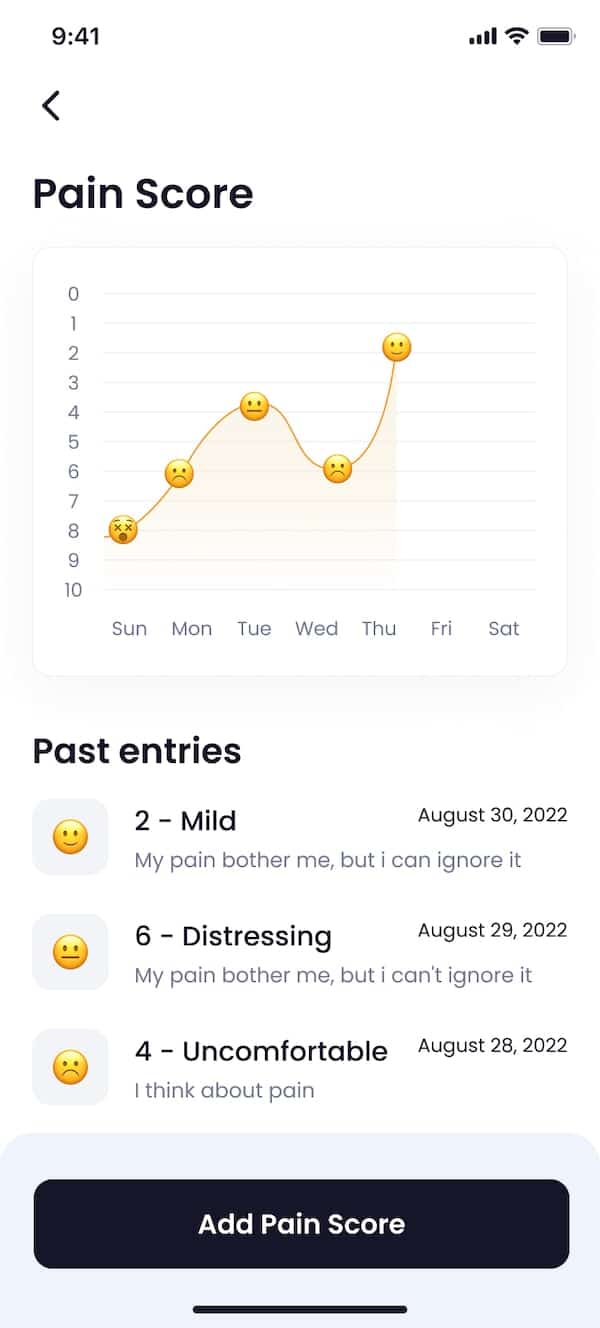
Stay Connected
Your team chats with every client in real time, with auto-translation in 10+ languages. Every message protected under attorney-client privilege.(optional)
Learn more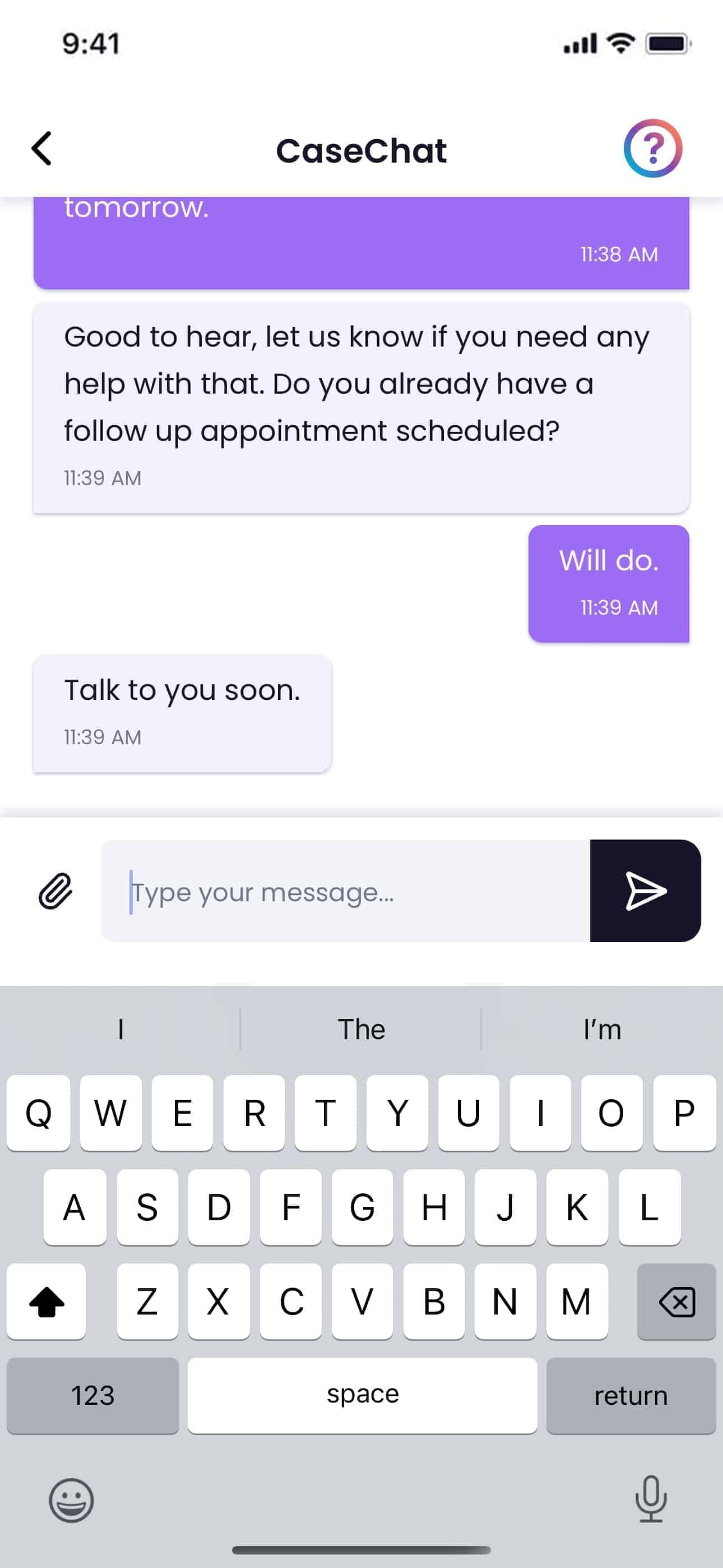
Everything Uploaded
Medical records, bills, and photos uploaded from the client's phone. Everything syncs straight into your case management system.
Learn more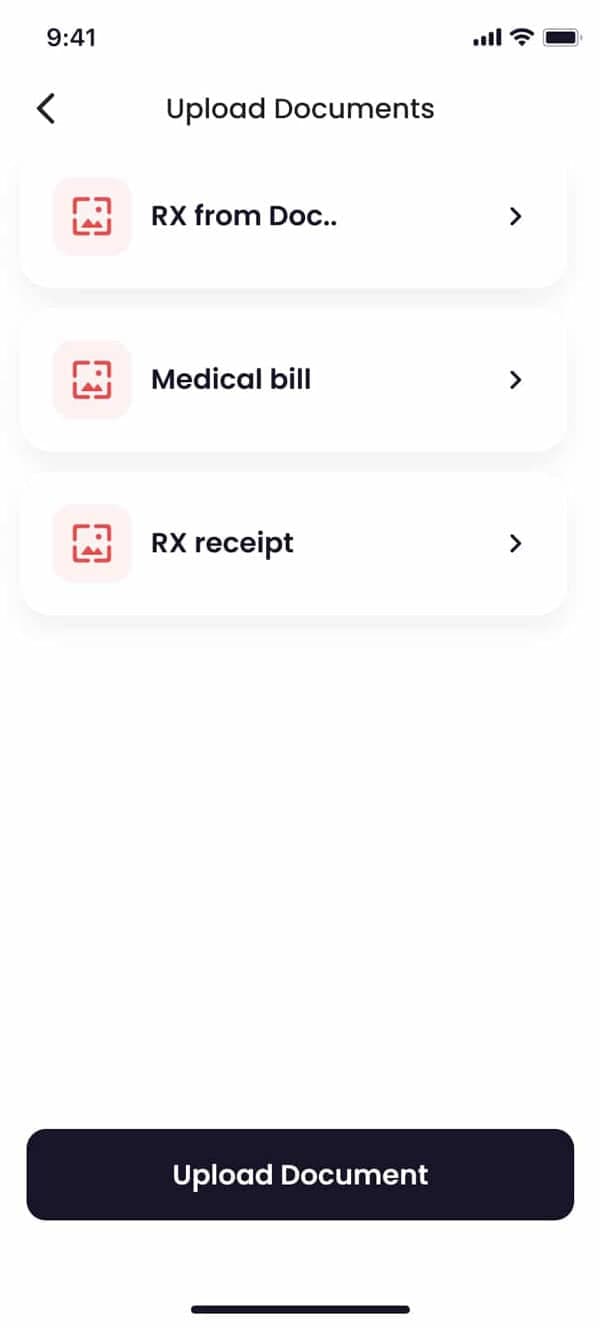
Always Informed
Automated status updates and milestone notifications keep clients engaged. Fewer status-check calls, more time on casework.
Learn more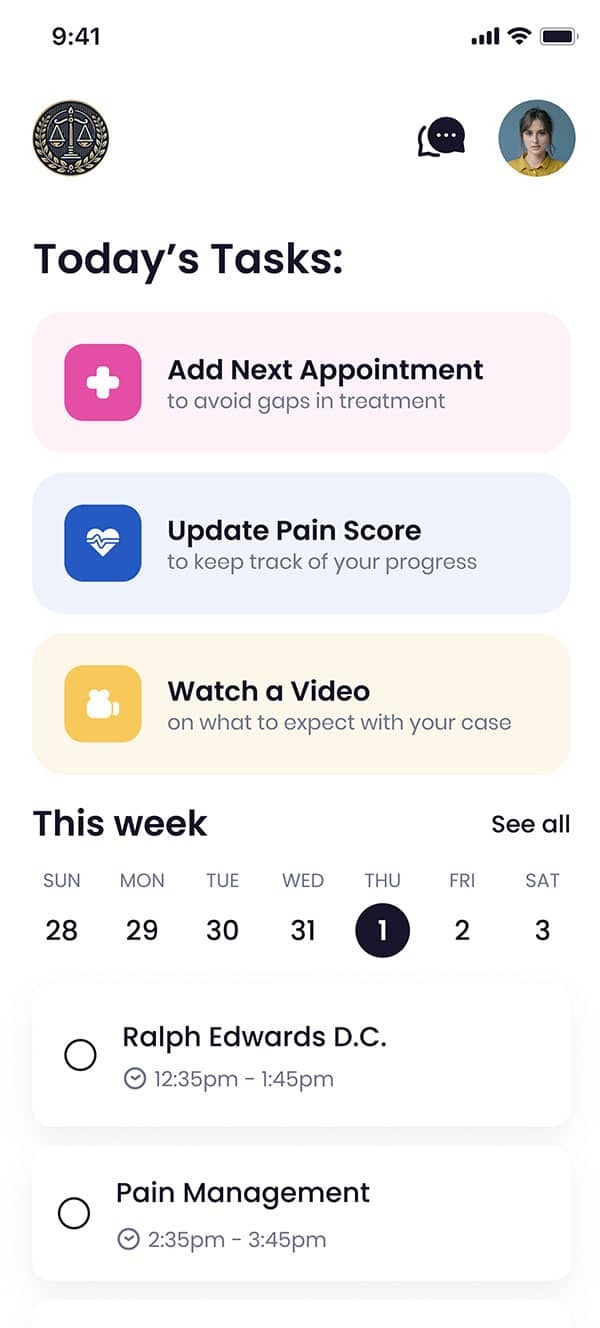
Stronger Settlement
Months of documented treatment, pain logs, and timeline — ready the moment you need them for the demand. Higher settlements, less work.
Learn more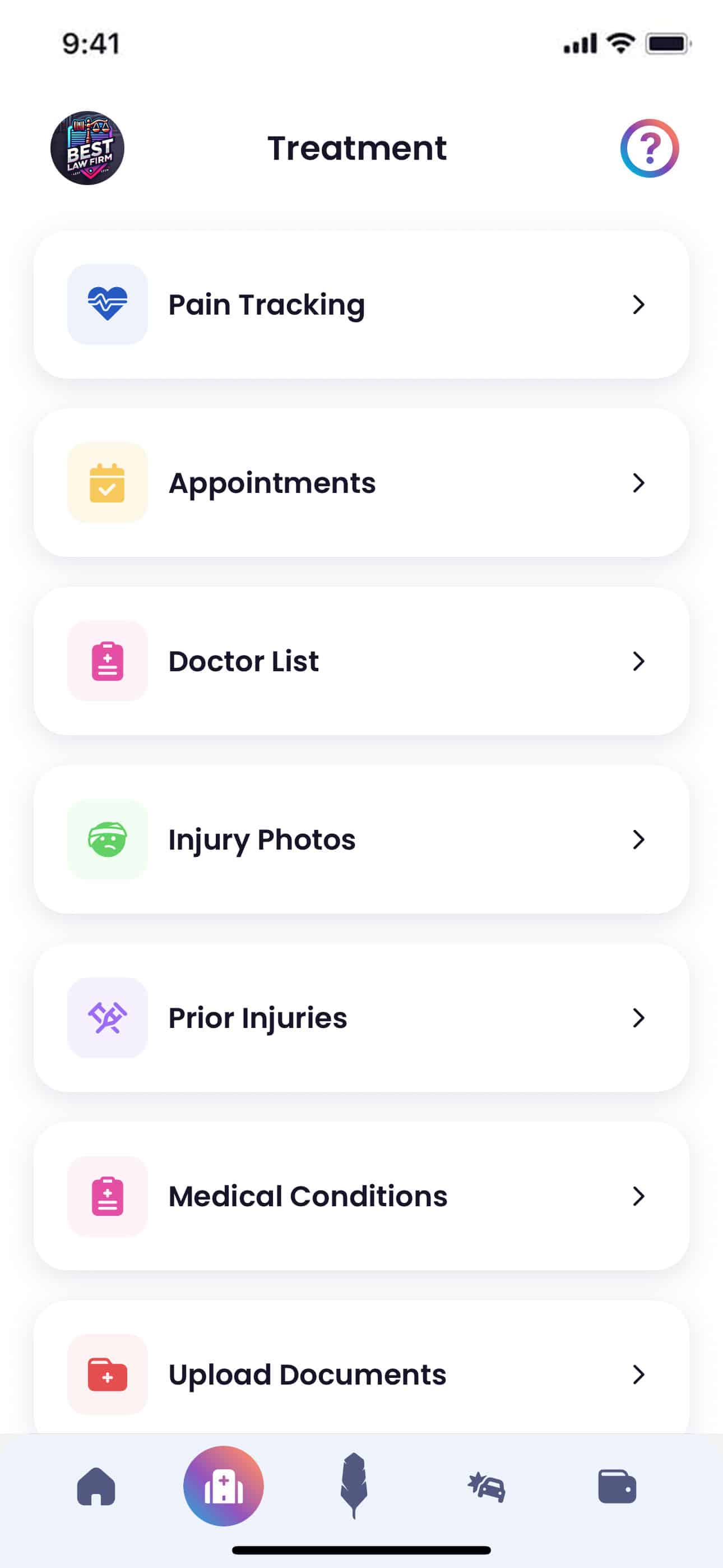
One Quick Question
On a schedule you set (30, 60, 90 days), Quilia asks every client how likely they are to refer you. Promoters get pointed to Google. Anyone unhappy gets a private heads-up first.
Learn more
Five-Star Reviews
Happy clients post to Google in two taps. Your rating climbs while your team stays focused on cases, not chasing reviews.
Learn more
Results that speak for themselves.
Integrates with your existing case management system
Explore each capability
Every step in the journey is powered by a feature built for personal injury firms. Dive deeper into the ones that matter to your practice.
Testimonials
Don't take our word for it
"Quilia makes it easy for clients to track medical appointments, upload bills, and log notes—all of which integrate directly into our system. It's a game-changer for keeping cases organized. For what we get, Quilia is pretty affordable. It makes the client experience what we'd expect if we were going through this ourselves."

"Quilia has quickly become an essential part of our process. The proactive notifications save time, reduce confusion, and make our communication with clients smoother than ever."

"Last car accident I got into was a difficult process, texting and getting emailed paper files to send all the info to my attorney. Quilia makes it easy to keep my attorney updated and give them all the details about my accident. Great app and I'm looking forward to getting the compensation I deserve."

"Working with Quilia has been a game-changer. Onboarding was a breeze, and their team's outstanding responsiveness and meticulous attention to detail ensure that nothing falls through the cracks. Their commitment to excellence has made our workflow significantly more efficient, giving us confidence in every client interaction."

"Quilia has streamlined KRLG's client communications and made the process much smoother. Instead of waiting for emails to be saved into the system, Quilia places items directly into our file. This saves our legal team time, keeps us organized, and allows us to focus on delivering great results."

"Quilia helped our firm identify gaps in treatment that were causing us to leave money on the table. Now we know our clients are getting the treatment they need, and we get the data we need to build their case."

How It Works FAQs
Will clients actually use the app?
Yes. Over 85% of invited clients sign up within the first 48 hours. Engagement stays high thanks to timely reminders, a simple interface, and clear next steps.
How do you keep clients engaged day to day?
Smart push notifications and optional text messages, an easy Daily Feed, appointment reminders, phase updates, a daily streak counter, and milestone achievements guide clients to take small actions consistently.
What results do clients report?
70% of users say the app helps them feel less stressed about their case. Common feedback: 'I don't have to call the office as much—I get the updates I need right in the app.'
What if a client ignores notifications?
Reminders are spaced to avoid fatigue and reinforced with in‑app nudges. Visual motivators like the daily streak and milestones encourage quick check‑ins so clients don't fall behind.
Can we adjust the reminder cadence?
Yes. Firms can tune the frequency of phase messages and task reminders to match their workflow and client preferences.
How is engagement measured?
We track daily/weekly activity, request completions, pain‑score submissions, and appointment confirmations so your team can see real progress—not just logins.
Does this replace phone calls?
It reduces unnecessary check‑ins by surfacing real‑time updates in the app, while keeping your team available for conversations that truly need a call.