Automations Videos
6 videos
 0:52
0:52Build a Form, Send It Anywhere
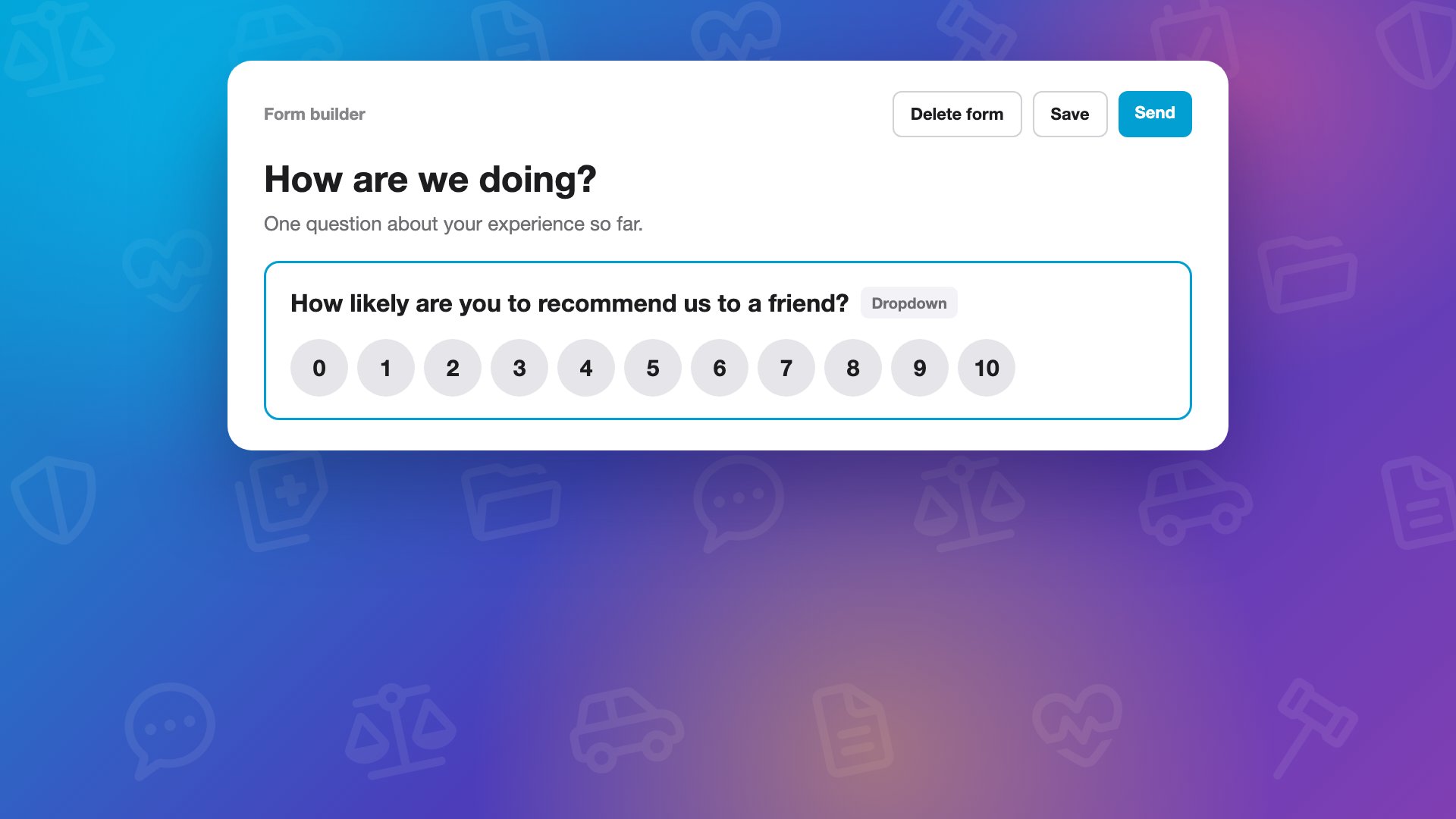
In Forms, click New form: copy one you already have, drop in a document, or start a blank form. Add a question, make it a dropdown, and click Use a 0 to 10 scale, and short lists show up as buttons clients tap. Save it, and it is ready to reuse.
trainingfirm onboardingformsautomations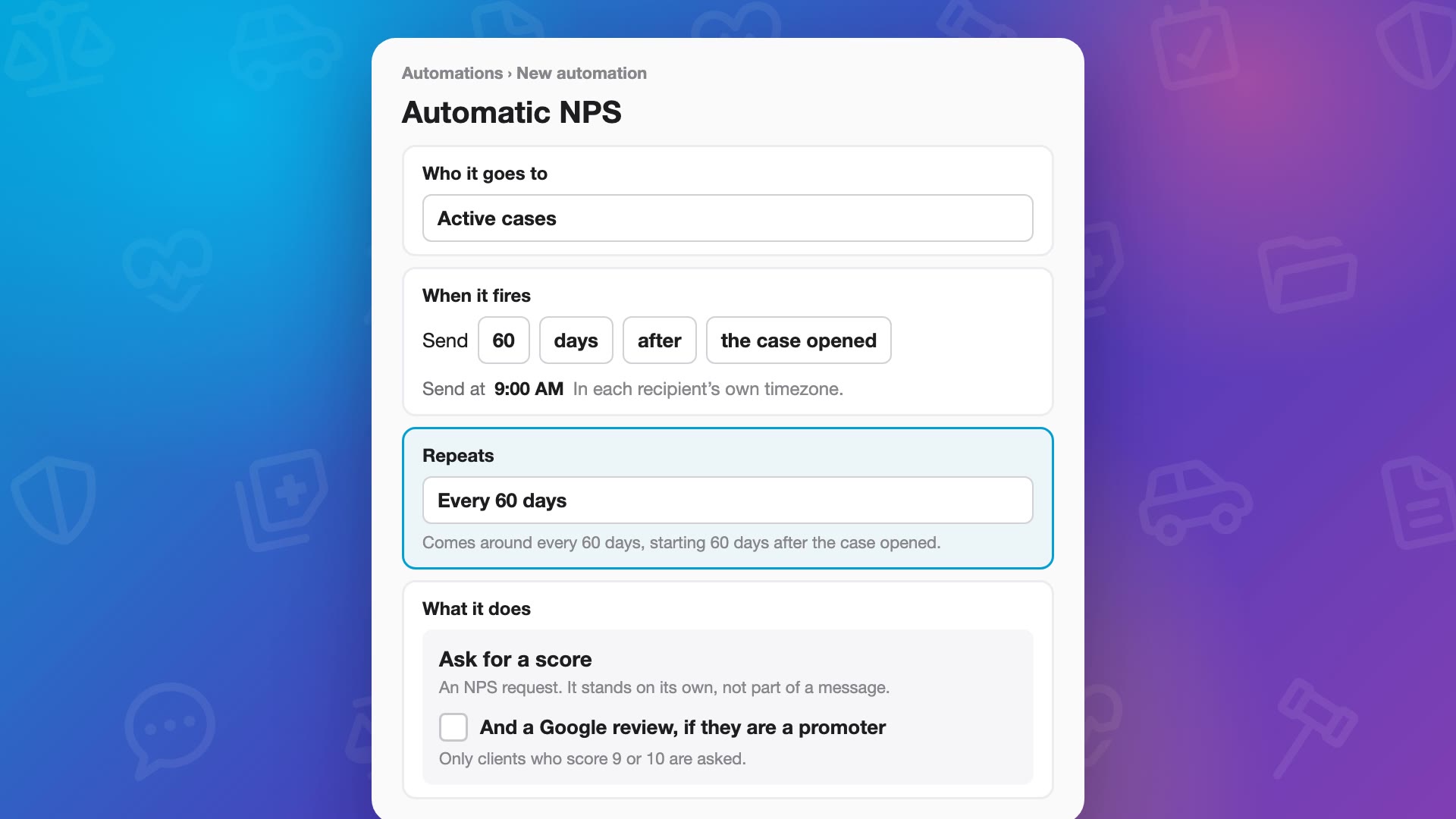 0:53
0:53Happy Clients to Google Reviews: NPS in Automations
Add “Ask for a score” to an automation, sixty days after the case opens, and set it to repeat every sixty days to keep a pulse on clients all the way through the case. Clients get a notification and one question in the Quilia app: how likely are they to refer your firm to their friends, from zero to ten. Turn on the Google review link, and a nine or ten gets it right when they’re happiest. Lower scores get a thank-you and room to say what would help, and your team gets an email.
trainingfirm onboardingnpsgoogle reviews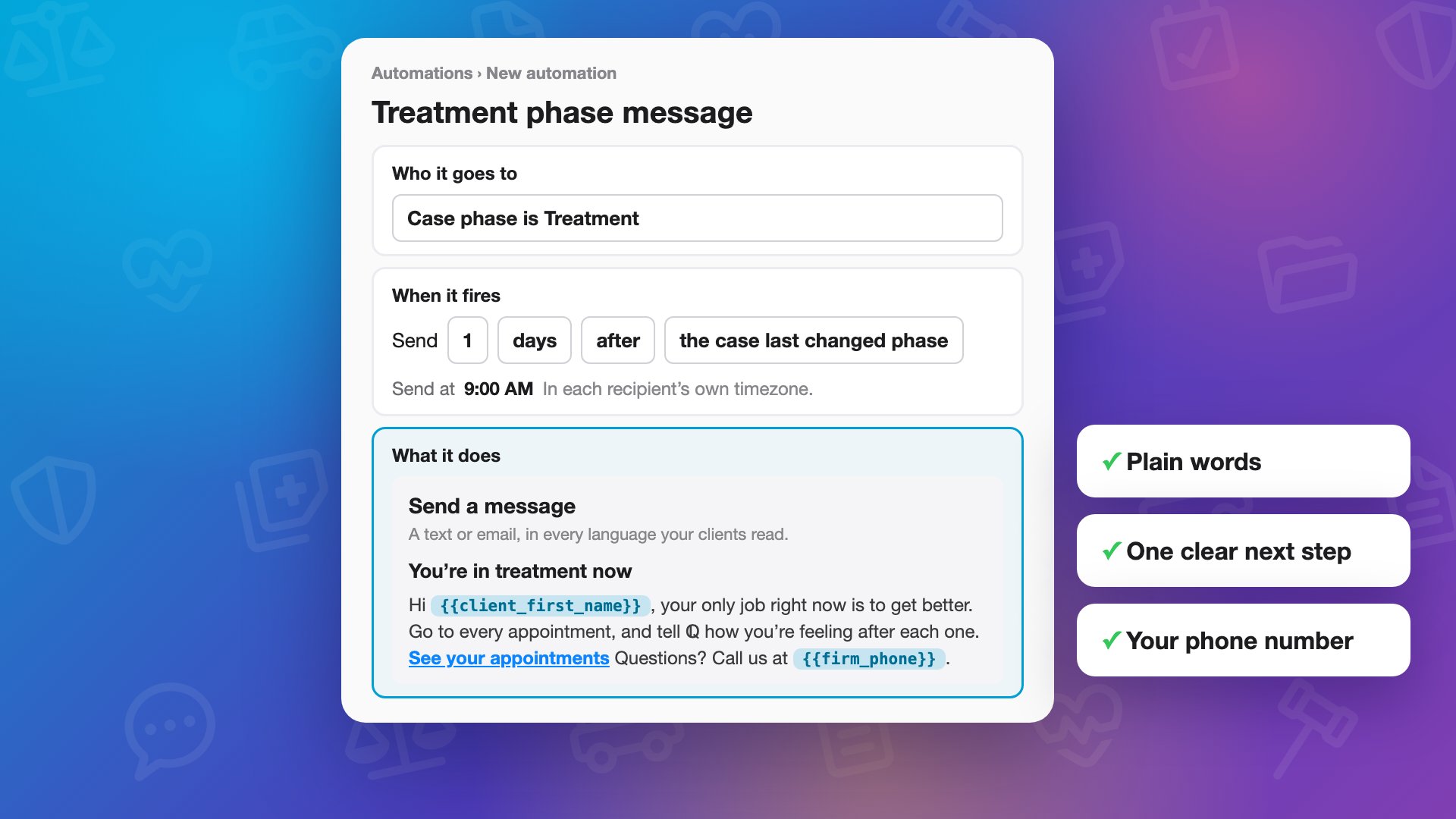 0:39
0:39Client Messages That Sound Like Your Firm
Make your automated client messages sound like your firm. In Automations, choose who a message goes to and when, like the morning after a case moves to treatment, then write it the way your team talks on the phone.
trainingfirm onboardingautomationsclient communication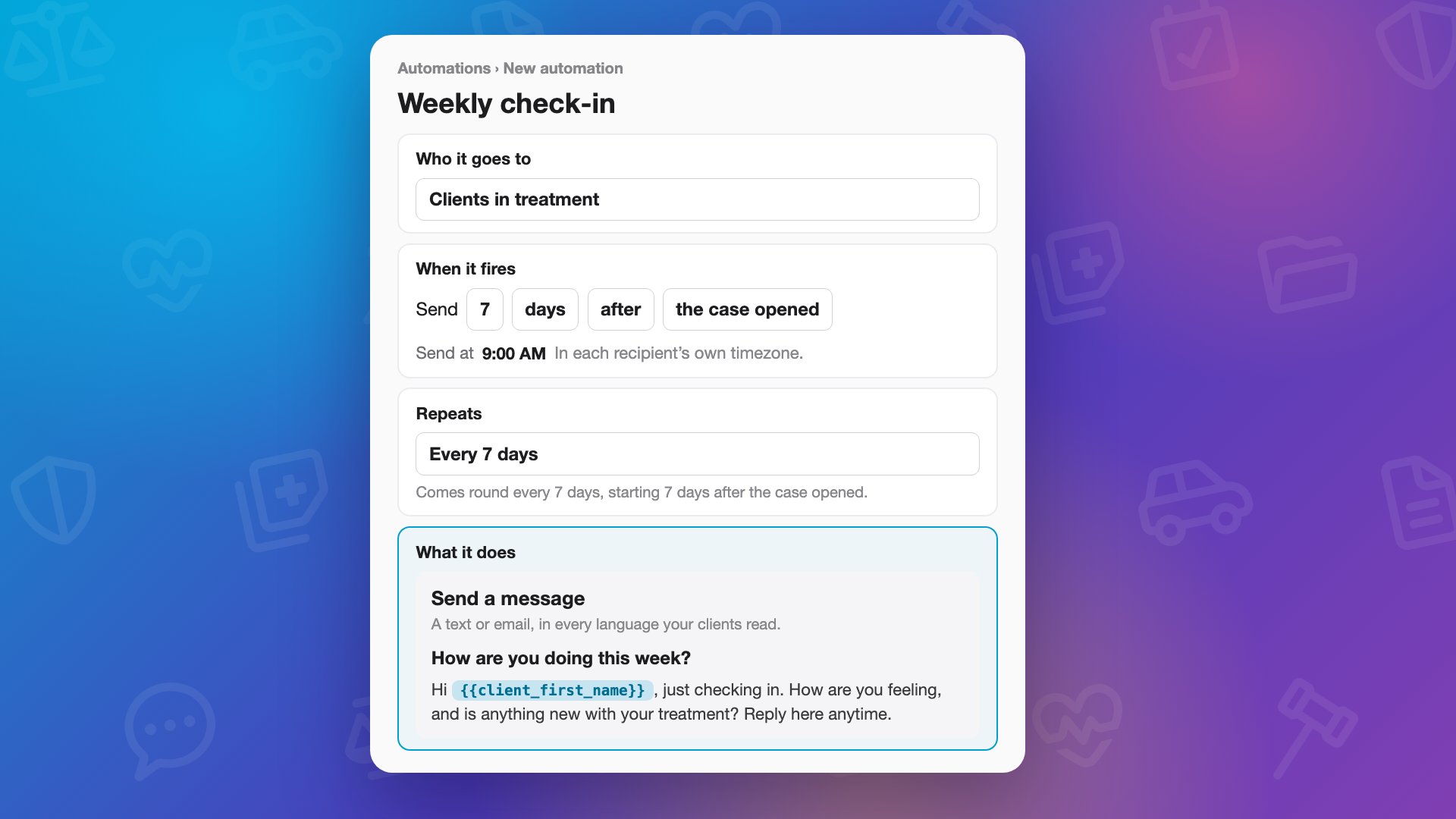 0:36
0:36How to Set Up a Recurring Client Check-In in Quilia Automations
Set up a check-in that runs on its own. In Automations, create a new automation, pick who it goes to, set when it starts and how often it repeats, then write the message in your own words.
trainingautomationscheck-in callsclient communication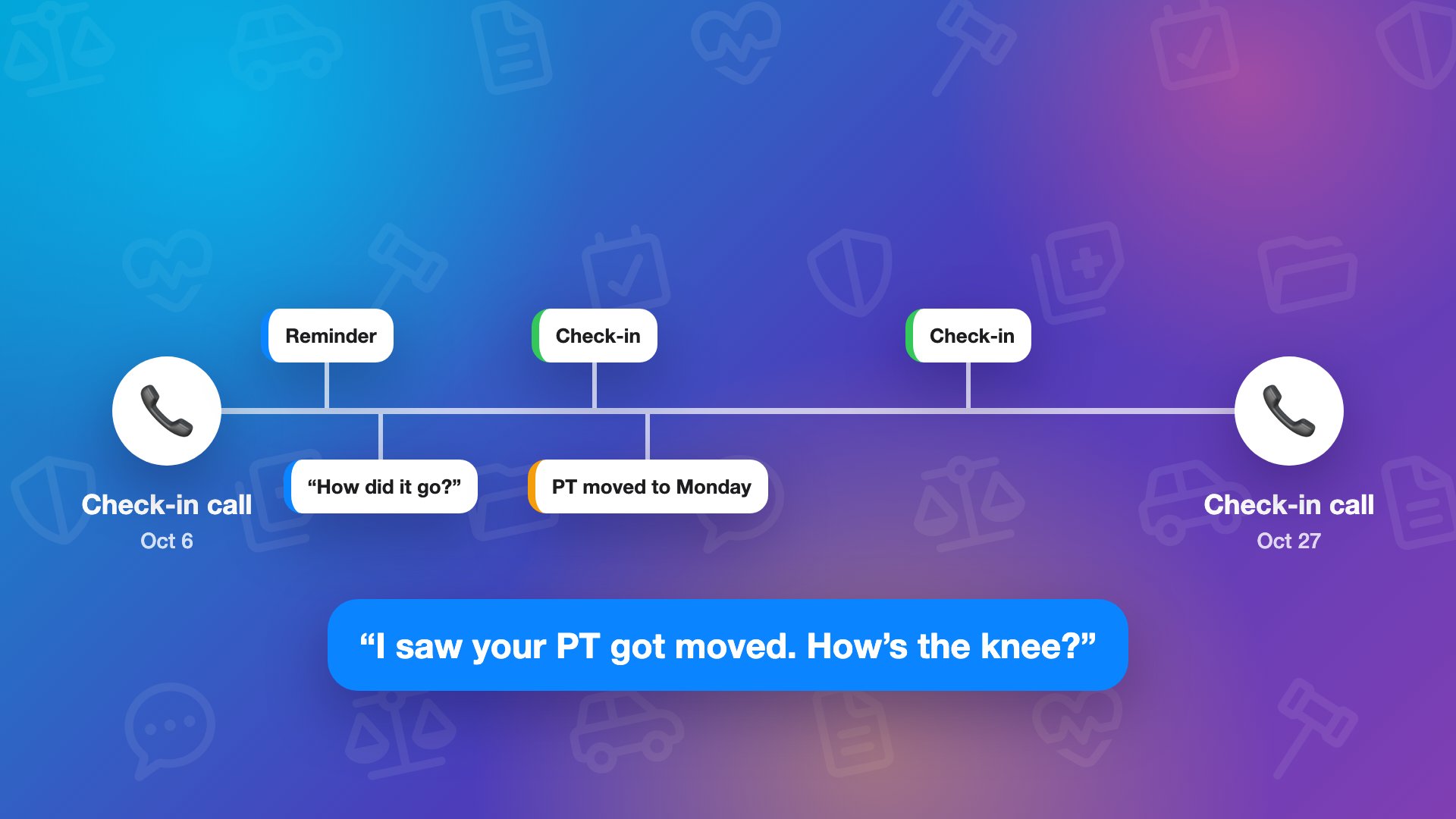 0:39
0:39A Check-In You Set Up Once: How ℚ Fills the Days Between Your Calls
Your team’s check-in calls are the backbone of every case, and ℚ fills in the days between them. Clients get a reminder before each appointment and a quick “how did it go?” after, and you can add your own recurring check-in in Automations, every week, or every day for a busy case.
trainingfirm onboardingcheck-in callsautomations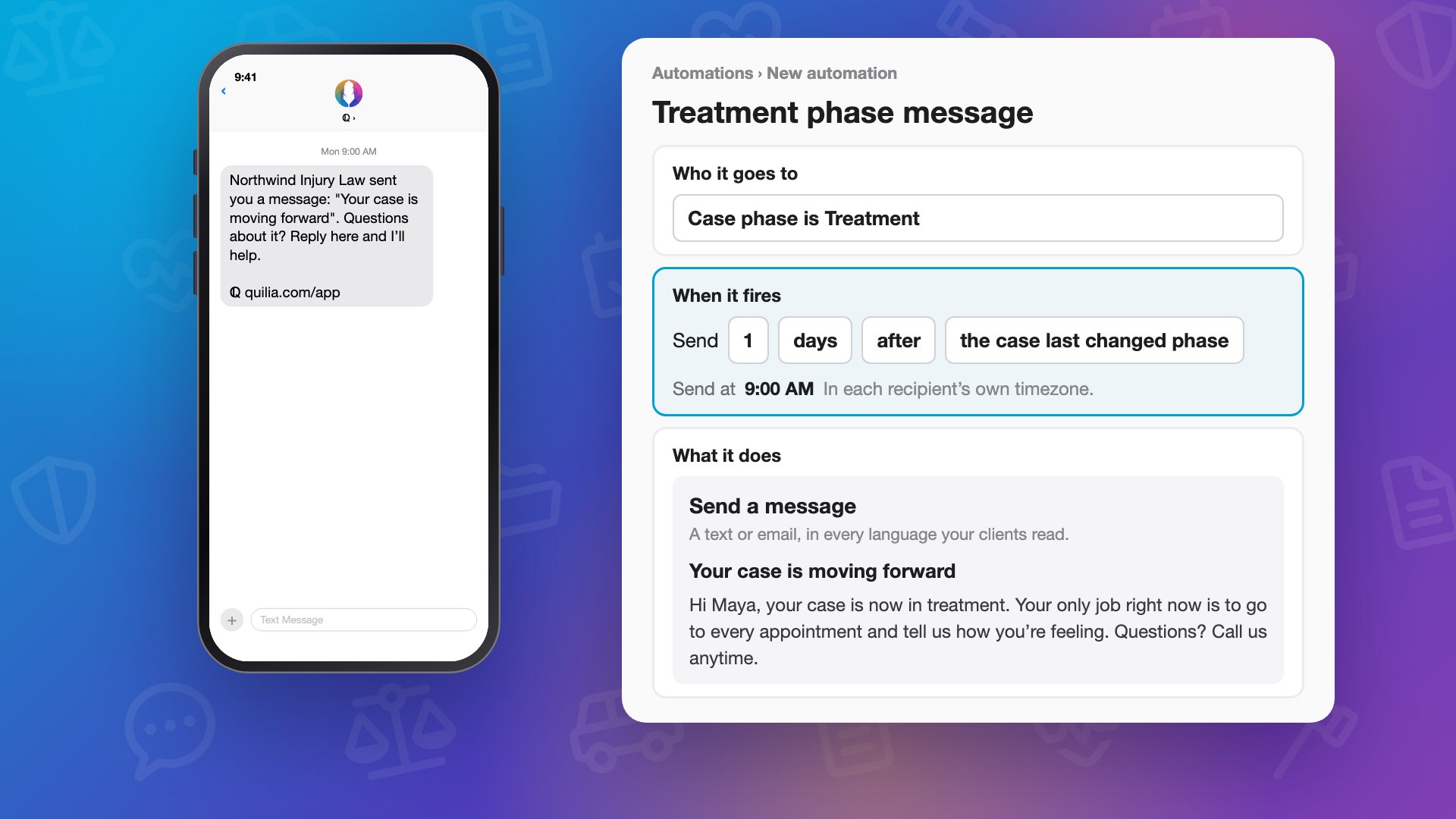 0:48
0:48What Five-Star Feels Like: One Client’s Week Between Calls
Five-star client service happens in the days between your calls. Follow one personal injury client’s week from their phone: a message from the firm the morning after the case moves forward, written once in Automations, a reminder before physical therapy, and ℚ asking how the visit went.
trainingfirm onboardingclient experienceautomations