Work with law firms
Records from ModMed, straight to the attorney
File it in the chart. Quilia does the rest.
Connect ModMed once, and the records and visits you choose reach the attorney on each patient’s case on their own. ChiroTouch is next.
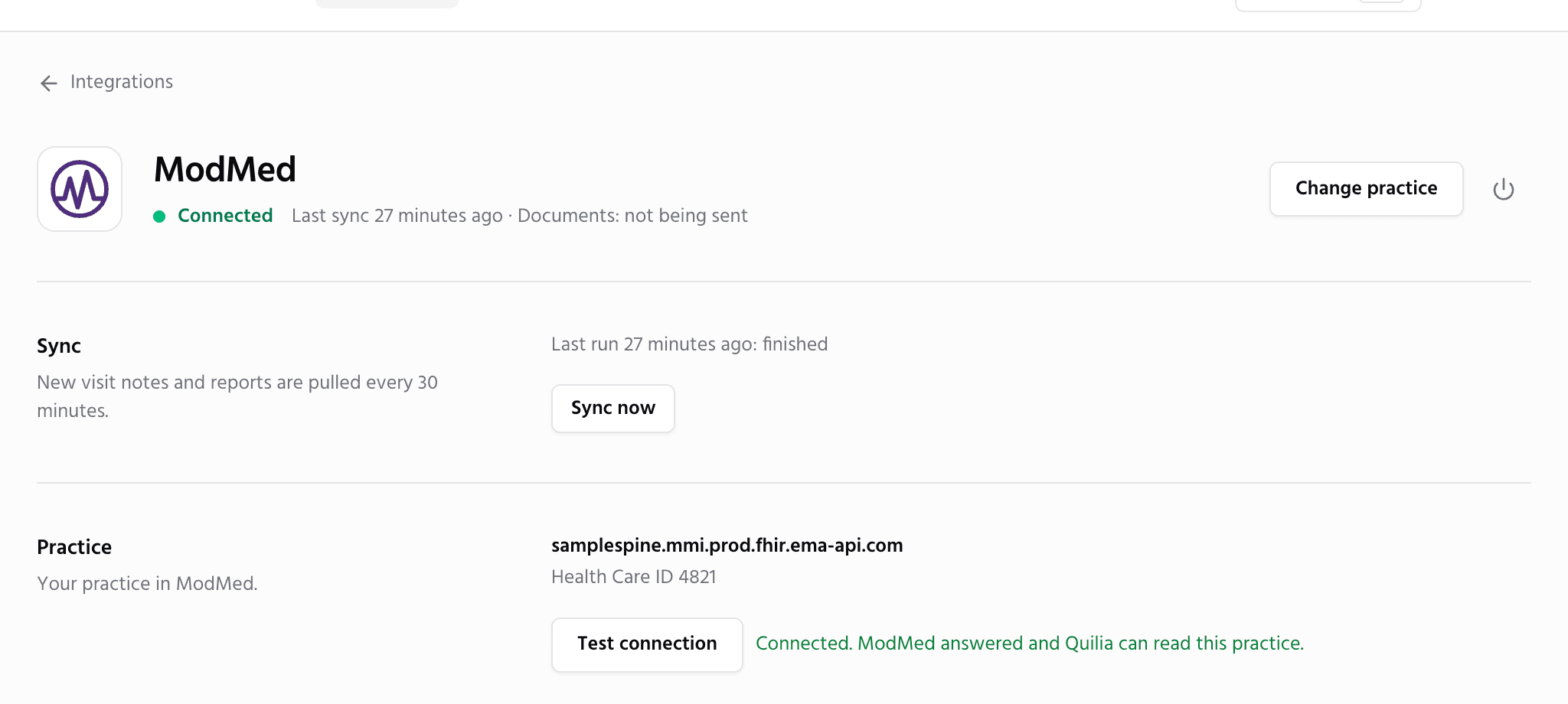
How does the ModMed integration work?
Quilia connects to ModMed read-only. Every 30 minutes it checks the charts of patients on your Quilia list and sends the documents you filed under the categories you chose, plus completed visits, to the law firm on that patient’s case. Your practice signs a business associate agreement first, and every switch starts off.
You Pick What Goes
What your practice does: file a document under a ModMed category you picked for attorneys, and sign the visit note as usual.
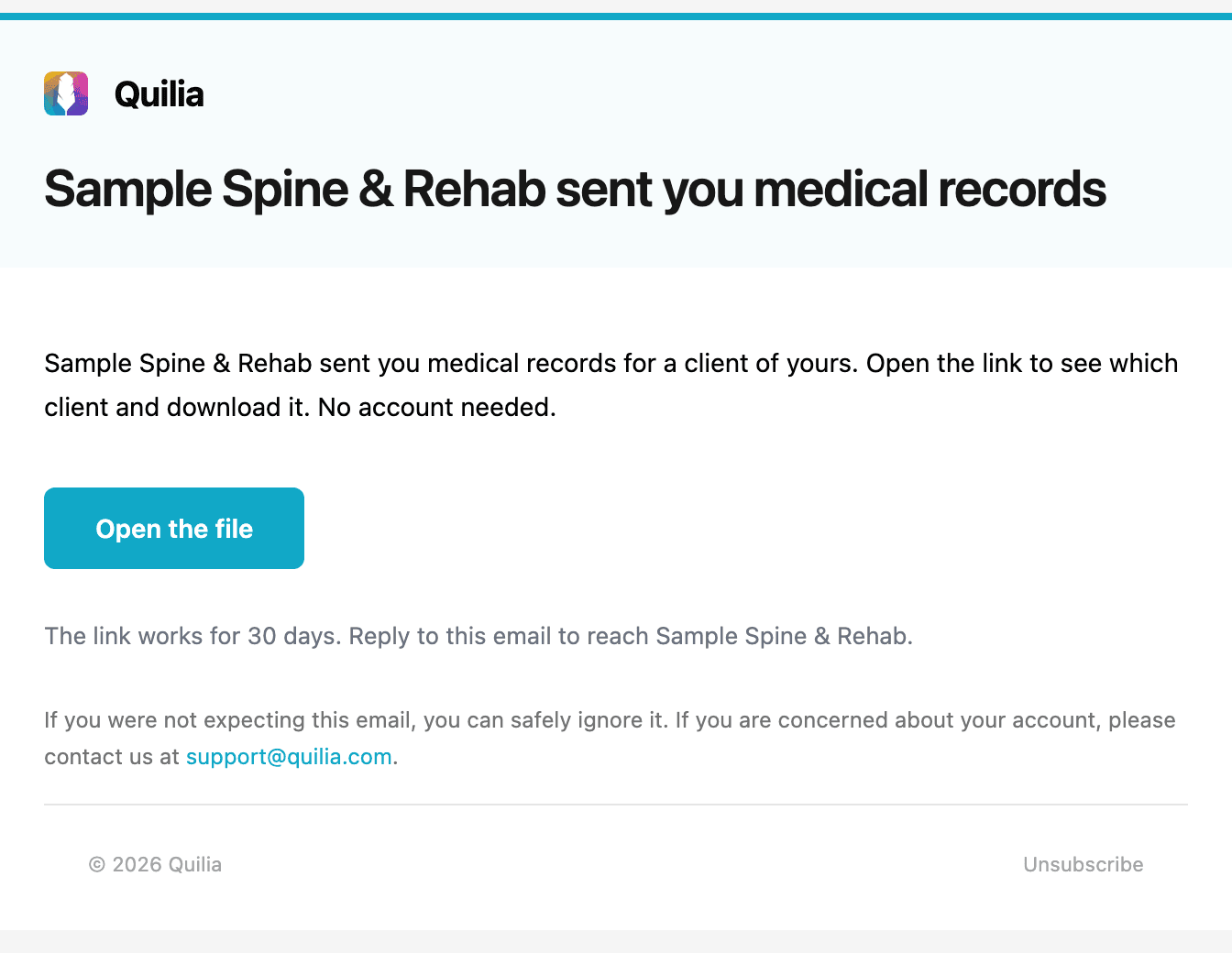
What happens automatically: every 30 minutes, Quilia sends those documents and completed visits to the firm on that patient’s case.
Result: no records requests to fax and no calls asking whether the patient came in.
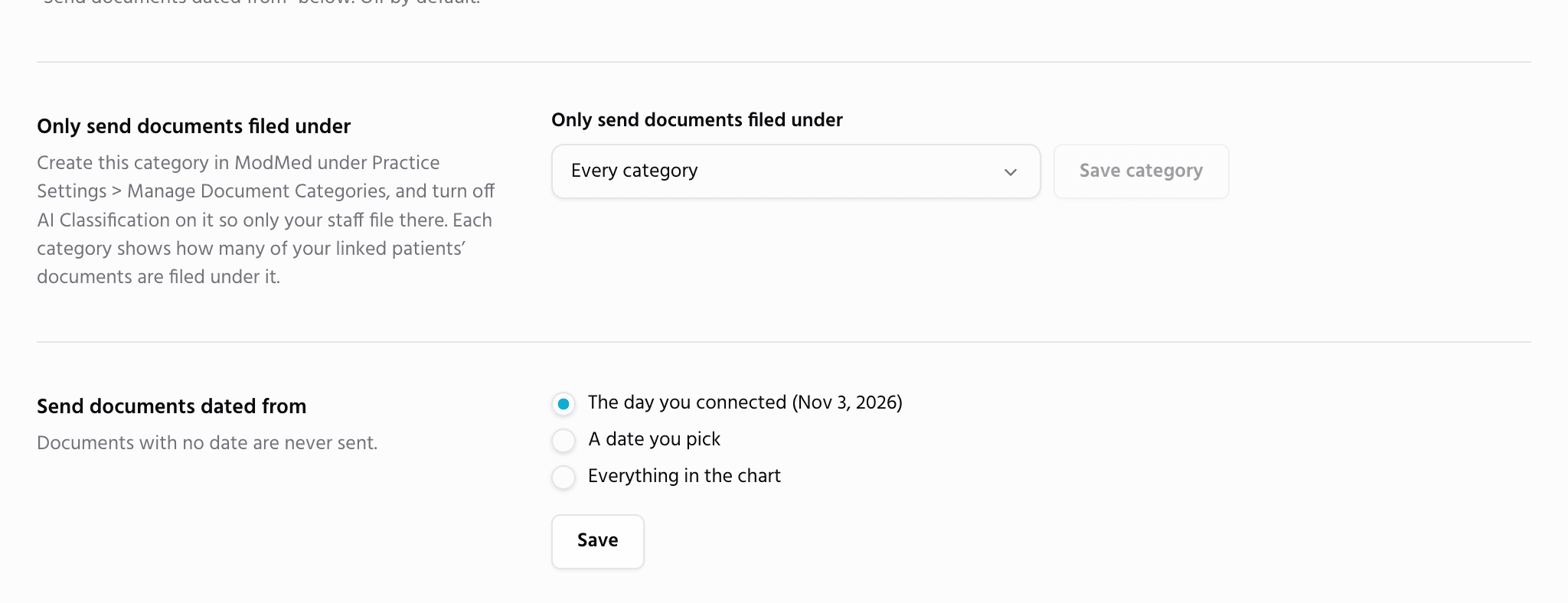
Read-Only, Covered by a BAA
Quilia only reads from ModMed. It never adds, changes or deletes anything in your charts. Your practice signs one business associate agreement in a minute, and every switch starts off until you turn it on.
More for your practice
Run your practice
- Free Directory ListingGet found by the firms that refer patients, with your hours, offices and patient reviews. Free, always.
- Bills and LiensEvery bill, reduction and payment by patient, with totals for each firm you work with.
- Patient ImportPaste your spreadsheet and every row becomes a case with its bill, payments and visits.
Work with your patients
Work with law firms
- Patients From FirmsWhen a firm lists your practice on a client’s case, the patient is waiting for you to confirm.
- Share With the FirmBills, payments, lien status and records go straight into the firm’s file.
- Records RequestsAnswer a firm’s records request by fax or upload, with no account needed.
- Status UpdatesAsk any firm where every open case stands with one link, no phone tag.
- Refer PatientsRefer a patient to another provider. The firm approves it in one click, and you see the answer on the patient.