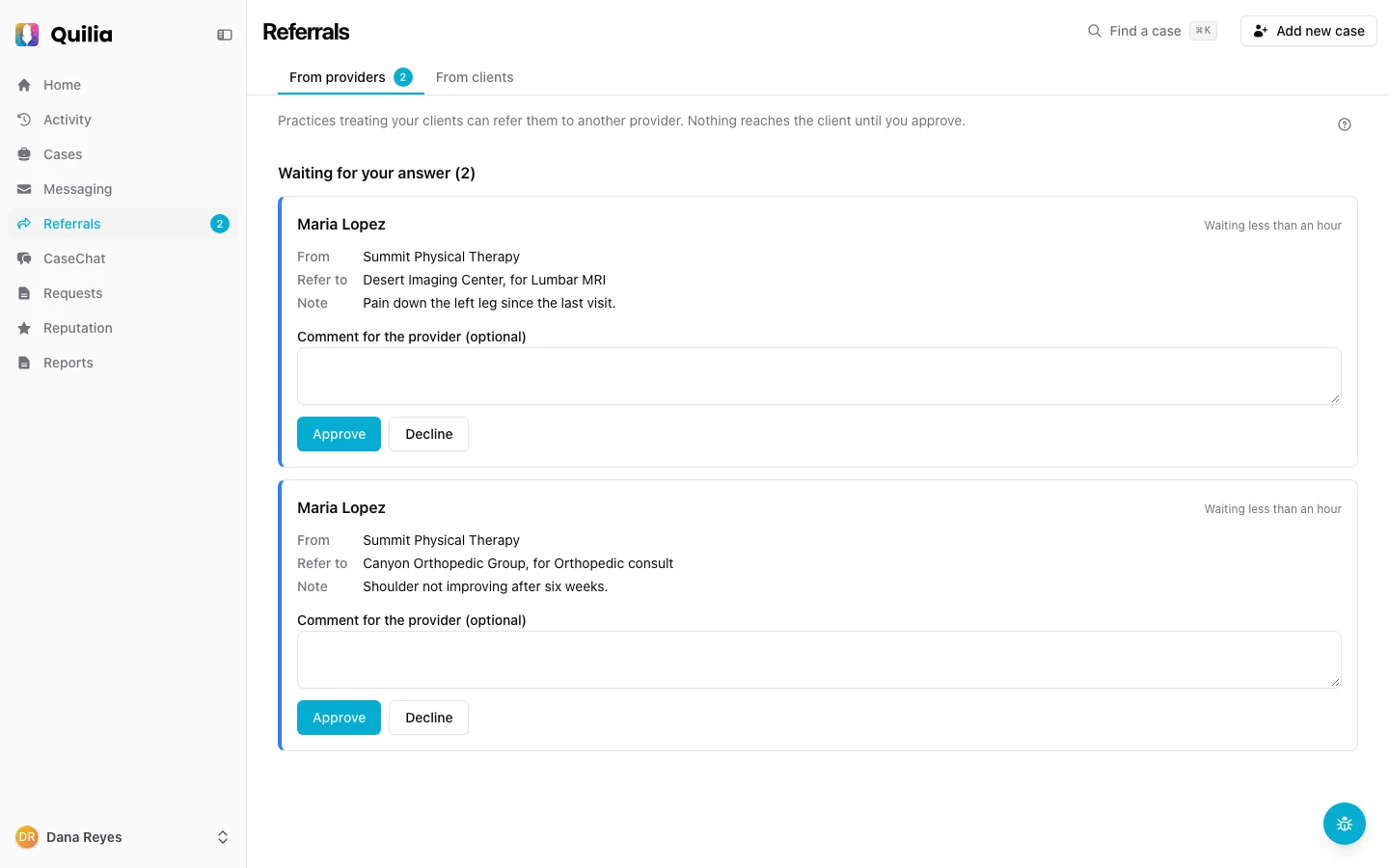
Provider referrals, approved in one click
When a practice wants to send your client to another provider, nothing reaches your client until you approve.
Approve or decline in one click
Add a comment if you want one, then click Approve or Decline, on the case or on your Referrals page. The practice gets your answer and your comment by email.
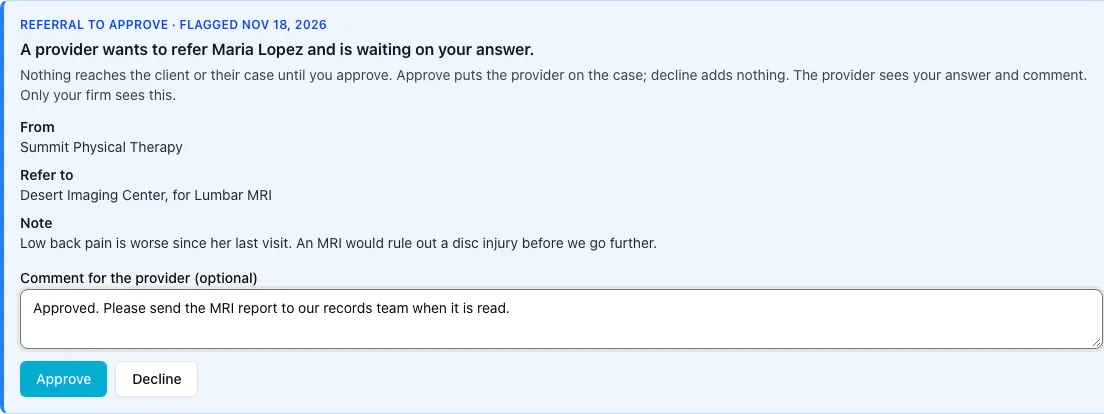
On the case, in the app, in your case file
Approval adds the provider to the case and to your client’s app; a declined referral never shows there. Each answer is logged on the case with your comment, and if your case management system is connected, it goes there as a note.
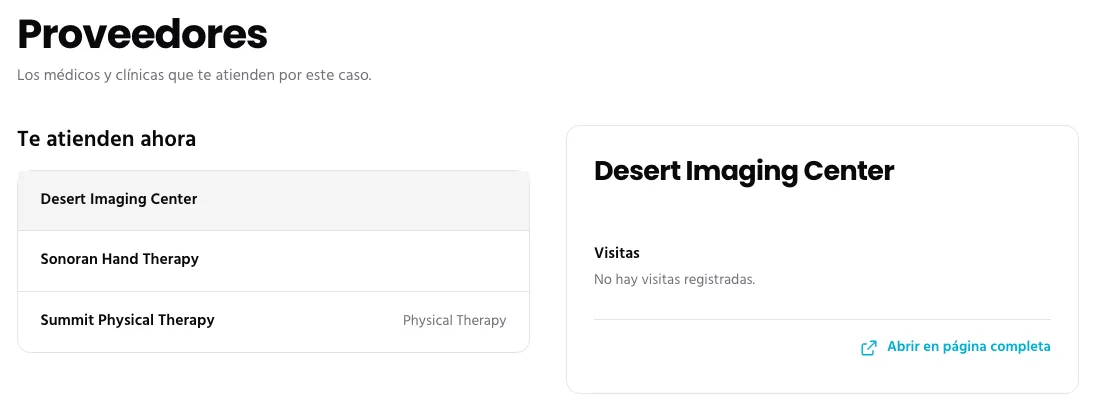
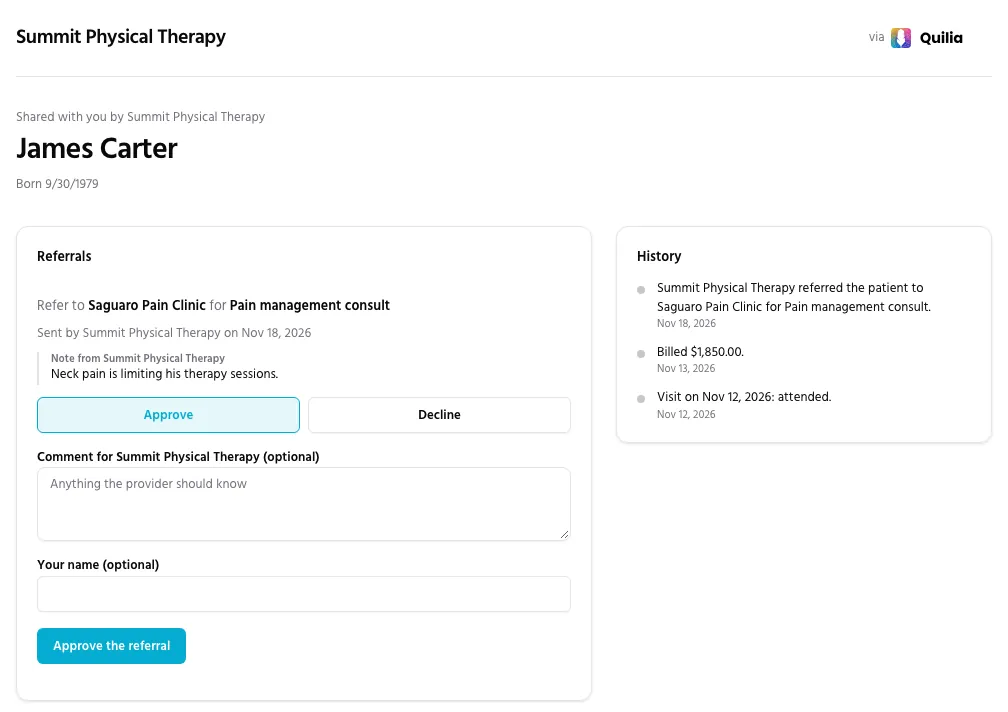
Works even when the firm isn’t on Quilia
A firm without Quilia gets the referral by email and answers on the patient page the practice already shares with it, with an optional comment. No login, no account.
Also included
- A Referrals page with every waiting referral, and a count in your sidebar
- One reminder to your case team after 3 business days, not a drip
- Answers you give by phone, recorded by the practice and labeled that way
- What your client sees, before and after you answer
- Send again when a link expires, or cancel a waiting referral
- A shared patient page with the patient’s History
For medical practices: refer a patient from their page and see the firm's answer there. How to refer a patient
See It on Your Own Cases
We'll walk you through a referral from a practice, from the approval to what your client sees.