Automations That Work While You Sleep
Quilia handles the repetitive tasks so your team can focus on winning cases.
Every touchpoint in the client journey is powered by intelligent automations that keep clients engaged, informed, and documented—without adding to your team's workload.
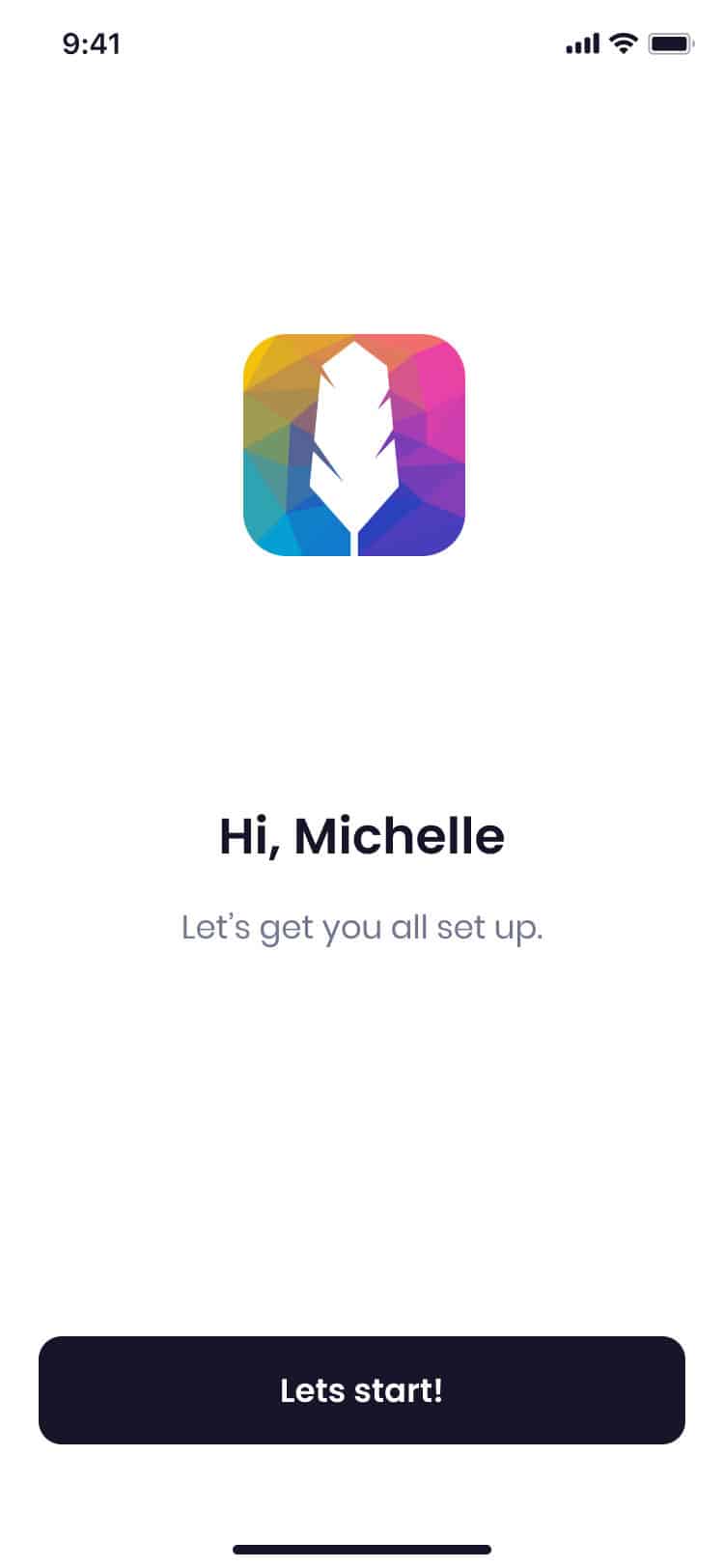
Smart Invitations
What clients experience: A simple text message with one tap to download. No passwords, no friction.
What happens automatically: Personalized SMS invitations based on case type and firm branding. Smart follow-up sequences with gentle reminders at 12 and 36 hours. Multi-language detection sends invitations in the client's preferred language.
Result: 85% of clients sign up within 48 hours
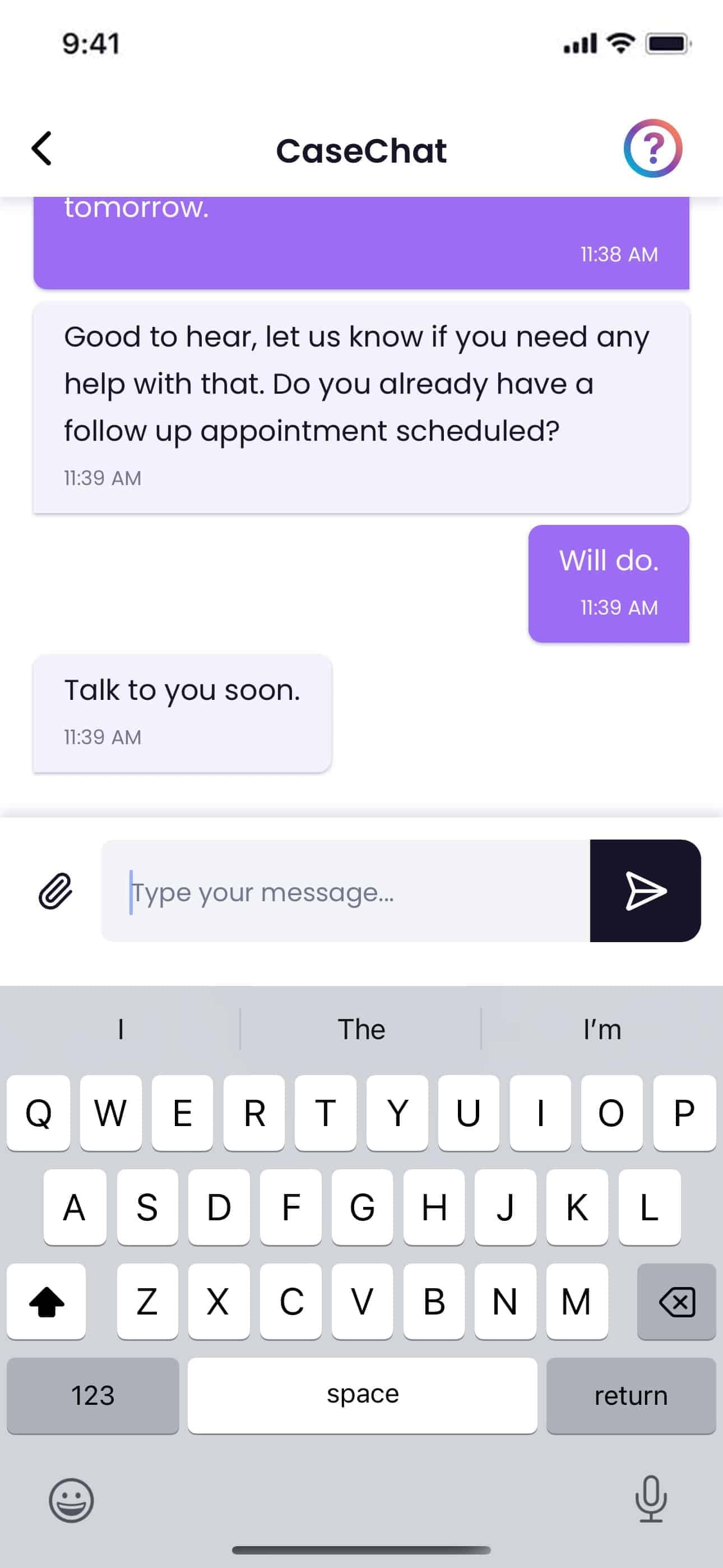
Always-On Communication
What clients experience: Real-time chat with your firm, auto-translation in 10+ languages.
What happens automatically: Attorneys notified within 30 seconds of new messages. Follow-up SMS if messages aren't read within grace period. AI-generated daily digests summarizing client activity. Two-way auto-translation for multilingual communication.
Result: Zero missed client communications
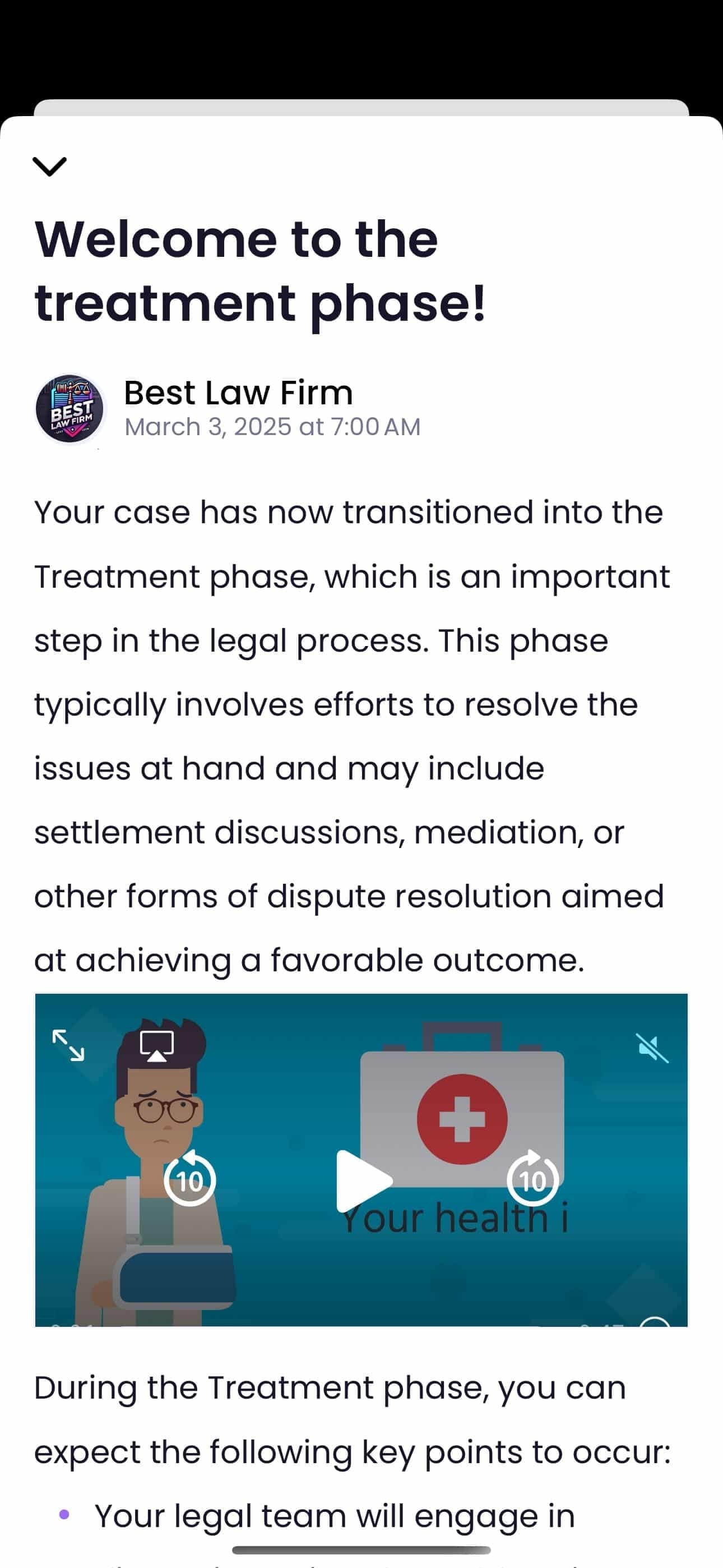
Phase-Based Updates
What clients experience: Case status updates, milestones, and next steps—without having to call.
What happens automatically: When case status changes in your CMS, clients get instant notification. Scheduled check-ins (daily, weekly, monthly) with personalized content. Messages include client's name, case details, and specific next steps.
Result: Clients stop calling to ask "what's happening with my case?"
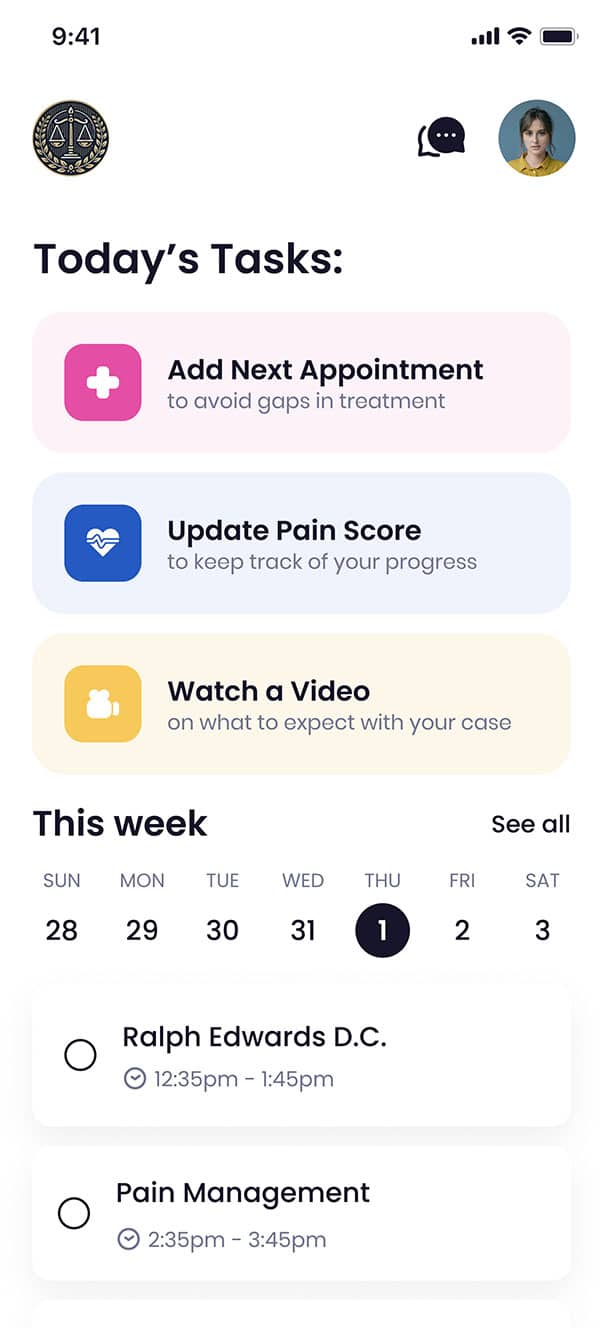
Intelligent Document Handling
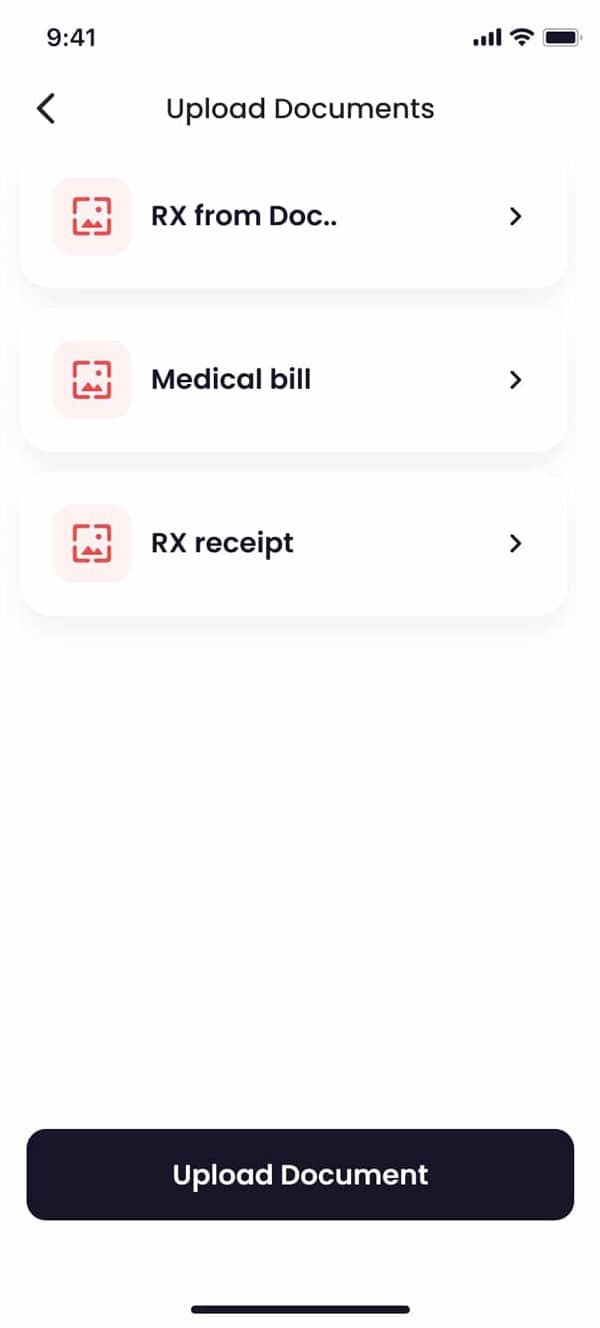
What clients experience: Simple uploads for medical records, bills, and photos. Synced instantly to their case.
What happens automatically: AI analyzes documents and extracts key information. Files sync to your CMS and appear in the right case folder. Smart organization by type, date, and relevance.
Result: Complete case documentation without manual filing
Smart Re-Engagement
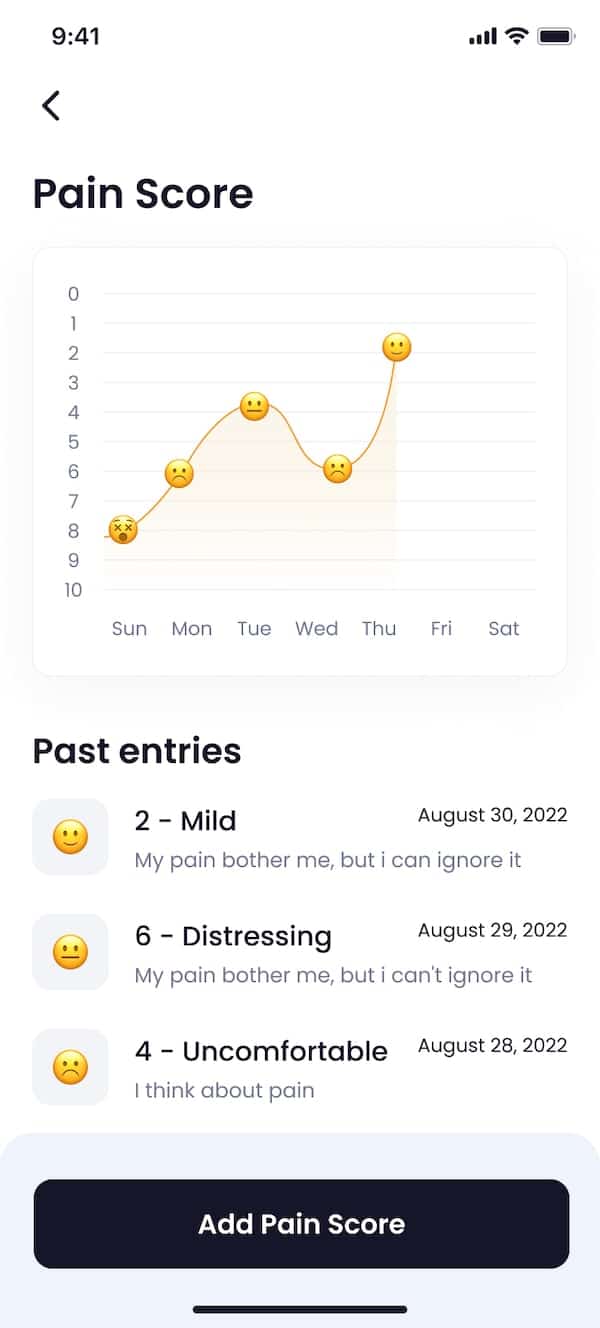
What clients experience: Gentle reminders to stay on track with treatment and documentation.
What happens automatically: Detects clients inactive for 7+ days. Triggers personalized re-engagement workflows. Groups by timezone for optimal delivery timing. Auto-terminates reminders when client re-engages.
Result: Months of documented evidence, captured automatically
Three Types of Automation
Quilia combines scheduled, triggered, and intelligent automations to keep your practice running smoothly.
Scheduled Automations
Things that happen on a clock:
- Daily activity digests for attorneys
- Periodic client check-ins
- Inactivity re-engagement after 7 days
- Usage reporting for billing
Triggered Automations
Things that happen when something changes:
- Case phase changes → client notification
- New chat message → attorney alert
- Client goes inactive → reminder workflow
- Document uploaded → AI analysis starts
Intelligent Automations
Things that use AI:
- Session summaries for attorneys
- Document classification
- Evidence timeline compilation
- Language translation
Your CMS Stays the Source of Truth
Quilia syncs automatically with your case management system. Update your CMS once—Quilia keeps clients informed automatically.
Supported integrations: Clio, Filevine, MyCase, Neos, Smokeball, SmartAdvocate, CasePeer, Litify, and more.
What syncs automatically: Case phases, client info, staff assignments, documents, and case metadata.
View All IntegrationsResults That Speak for Themselves
Industry data from the 2025 Clio Legal Trends Report shows growing firms use automation 2x more than stable firms and 3x more than shrinking firms.
Automations FAQs
Can I send messages to all my clients at once?
Yes. If you update a case phase in your CMS, Quilia automatically sends the related phase message to every connected client.
Do clients get both text and email invites?
Nope, just a text message with a magic link. That's all they need to get started.
How does Quilia communicate with clients?
Quilia primarily uses push notifications through the mobile app to communicate with clients. We also send text messages as a fallback for clients who don't have the app installed or have notifications disabled. This ensures clients always receive important updates about their case.
Can Quilia send automatic reminders to clients?
Yes. We send strategic reminders for things like medical appointments and even confirm if they went, so your staff doesn't have to chase them down.
Can I assign tasks or requests to clients?
Yes. We call them "requests." You can ask for documents, info, or anything else, and they'll see it as a to-do in the app.
How do I know when a client responds?
You'll get a notification in our Chrome extension or an email. Some CMS setups can also assign it directly to your team.
Can I delete a message after sending it?
Yes. You can delete it from the dashboard and the client won't be able to see it anymore.
Can I delay notifications after a phase change?
Yes. Phase messages are queued to send the following morning. That gives you time to make edits or changes without sending multiple alerts.
Can client messages be routed to specific team members?
Yes. You can set up routing so responses go to the right person based on team roles in your CMS or dashboard.
Can I see if a message hasn't been read yet?
Yes. Unread phase messages are clearly visible in your dashboard reporting.
How are case updates sent to clients?
Whenever a case phase changes in your CMS, Quilia automatically sends a prewritten message to the client. No extra typing, no manual push required.
Do clients get real-time notifications?
Yes. Updates are delivered instantly, so clients always know where their case stands without having to call your office.
Does this reduce client phone calls?
Big time. Automated updates cut down on repetitive check-ins, freeing up your team’s time while keeping clients in the loop.
How important are automated case updates in Quilia?
They’re solid and definitely useful—clients love staying in the loop without needing to call your office. But we don’t stop there. Case phases don’t change every day, so Quilia focuses on something even bigger: capturing client data in real time and delivering it to attorneys when it matters most. Automated updates are part of the package, not the whole story.
How is Quilia’s messaging different from Hona or Case Status?
Hona and Case Status lean heavily on phase-change notifications. Quilia includes those too, but we treat them as just one piece of the puzzle. Our messaging is tied into client data collection and case progress, so attorneys get updates that actually move the case forward—not just alerts for the sake of alerts. See our detailed comparisons at /compare/
Why not just use a platform built around notifications?
Phase notifications are helpful, but they don’t change often enough to drive real engagement on their own. Quilia goes further by combining automated updates with treatment tracking, requests, and real-time client data. That way clients stay informed and attorneys get actionable info that improves outcomes.