How Can Neos Integration Elevate Your Law Firm's Client Engagement?
3 videos
Explore our collection of videos on Neos integration and how it can transform client communication for personal injury attorneys. These insightful resources will guide you in leveraging technology to improve client interactions and streamline your practice.
 0:53
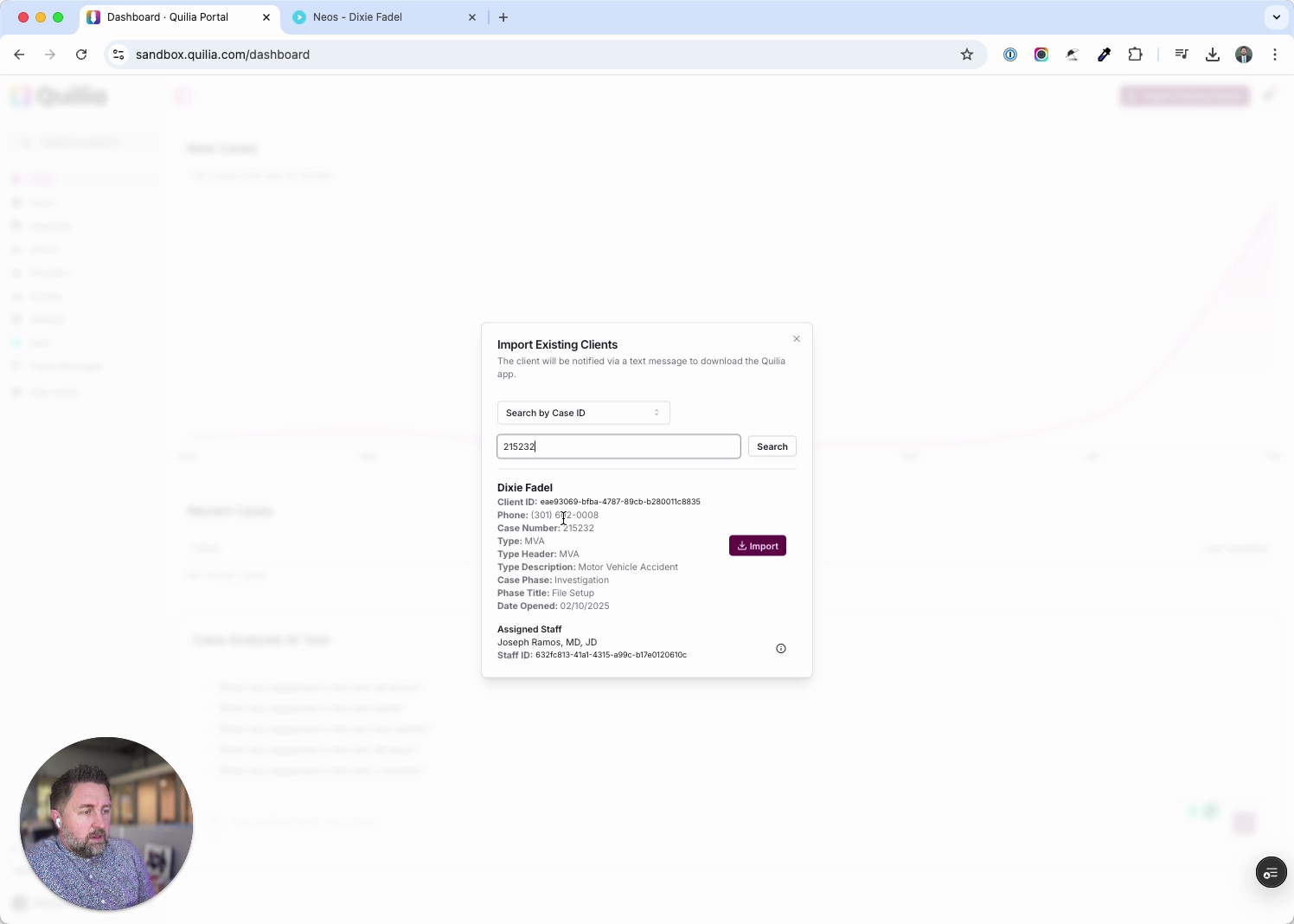
0:53Adding Existing Clients from Neos into Quilia
This tutorial shows how to quickly import existing clients from Neos into Quilia. The process takes just a few clicks, letting you sync cases and get clients set up in the app right away. Steps covered in this walkthrough: In Quilia, click Import Existing Clients. Copy a Case ID from Neos and paste it into the prompt. Confirm the client’s case details and assigned staff. Complete the import and verify the case is added. If automatic invites are off, send a download invite manually to the client. With this workflow, you can seamlessly pull cases from Neos into Quilia, ensuring clients are ready to start participating in their case without delay.
case management softwarelaw firm efficiencypersonal injury attorneysneos integration Vertical2:35
Pain Tracking, Smart Uploads, and Neos Sync
This release (live as of August 15, 2025) brings powerful new tools to make personal injury case management smoother, faster, and more client-driven. Jeremiah walks through major updates that improve both client engagement and case outcomes. Key updates in this release: Pain Score Chart: Clients can now log daily pain levels, giving attorneys accurate, time-stamped data tied to treatment milestones. Stronger evidence means stronger settlements. Photo Uploads for Witnesses & Drivers: Clients can add photos directly in the app, keeping visuals organized and instantly accessible for negotiation or litigation prep. Automated Text Reminders: Automatically nudge clients who haven’t set up the app—boosting adoption without extra staff effort. Neos Phase Syncing: Real-time phase updates between Neos and Quilia, reducing manual data entry and keeping both systems aligned. Other improvements: Faster case page loads, more reliable client activity digests, and quicker provider searches. Coming soon: Custom dashboards, appointment reminders, AI-powered digest summaries, and smarter notifications—designed to give your firm deeper insights and help clients stay engaged. Don’t forget about the Quilia Partner Program! Earn 20% commission on every firm referral—and 40% on your first ten. Learn more at quilia.com/partners or reach out anytime at support@quilia.com.
personal injury law firmpersonal injury softwarecase management softwarelegal tech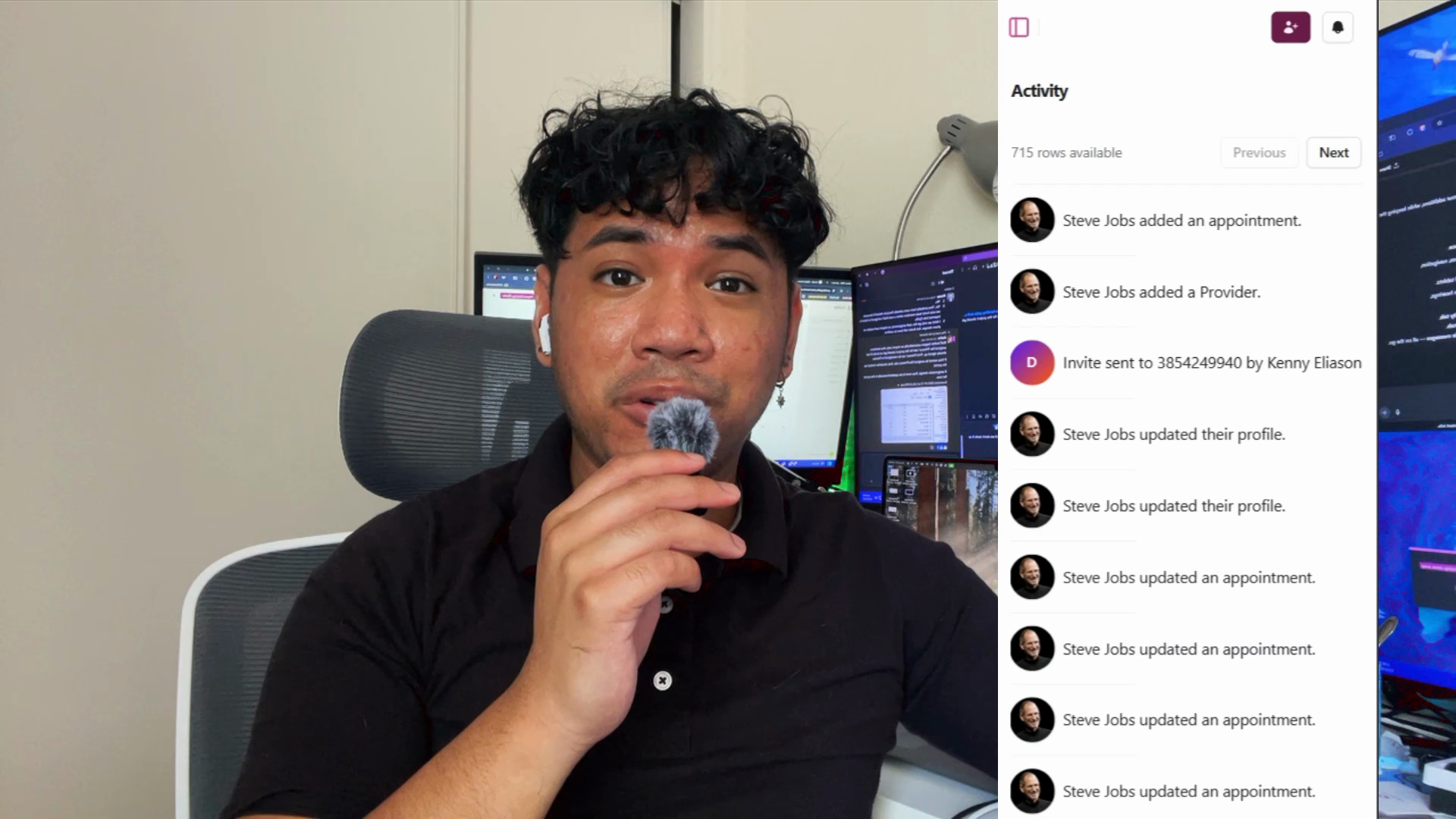 2:11
2:11Email Digests & Mobile Upgrades
This release, live as of July 13, 2025, makes Quilia’s portal more powerful, flexible, and mobile-friendly than ever. In this walkthrough, Jeremiah highlights the biggest updates, including new client communication tools, workflow improvements, and expanded case management integrations. Key updates in this release: Client Activity Email Digests – Get daily or weekly summaries of messages, forms, document uploads, and appointments straight to your inbox. Mobile Experience Overhaul – Faster, cleaner navigation and improved touch controls, so you can manage cases and client communication on the go. Full Smokeball Support – Two-way syncing for cases, clients, status updates, document uploads, and activity. Additional improvements include more reliable case imports, better client invitation handling, multi-case support under single clients, cleaner Neos displays, and enhanced org-level settings for larger firms. If you’re a Smokeball firm—or just looking to make client updates more seamless—this release makes Quilia easier and more effective than ever.
case management softwarelaw firm efficiencyquilia release notessmokeball integration