Client Onboarding for Law Firms
Get new clients set up and engaged in minutes, not days.
Quilia's streamlined onboarding process lets law firms quickly set up new clients and begin case management efficiently. The intuitive interface guides clients through each step. It ensures all necessary information is collected accurately and securely.
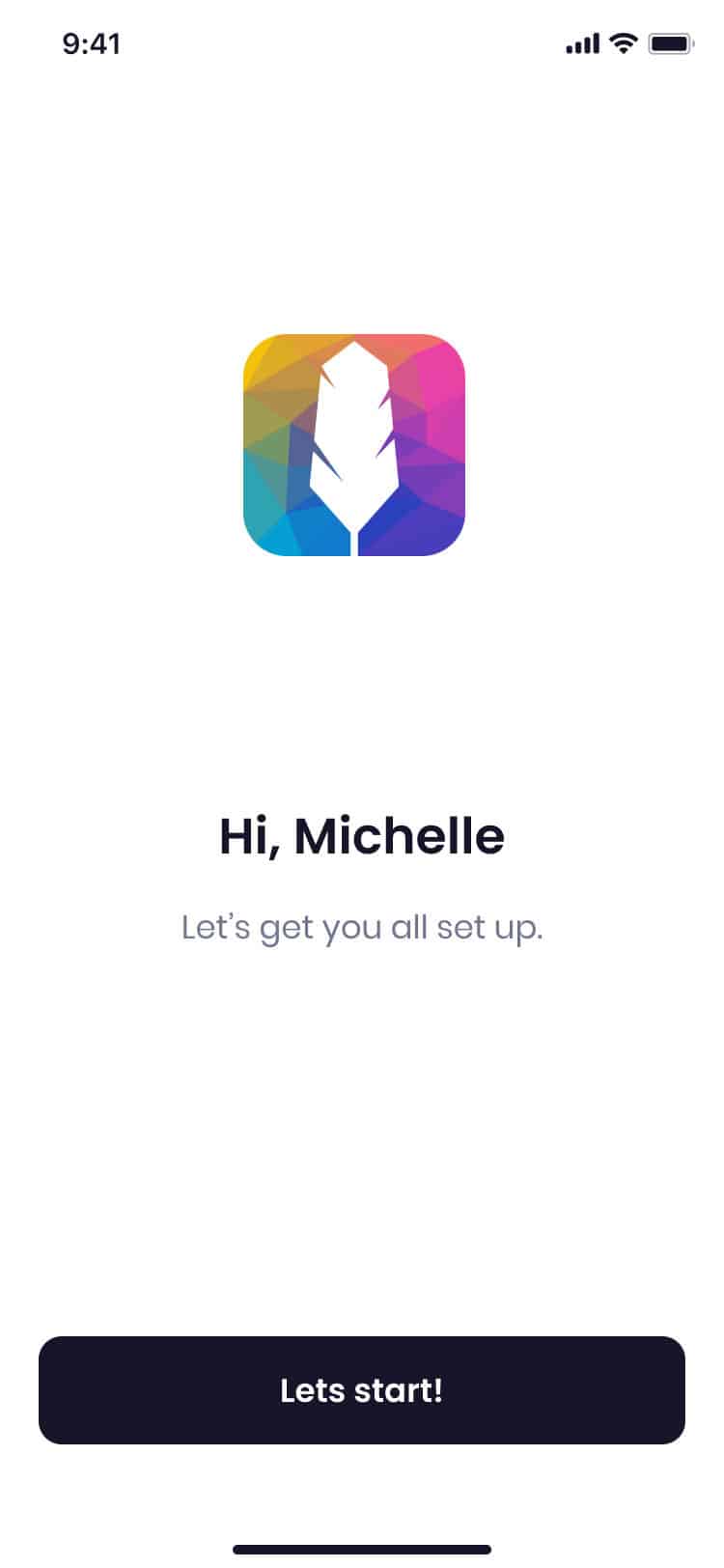
First‑Call Intake
Send a magic‑link by text to start intake immediately. No passwords or portals needed. Capture contact details, incident basics, and consent. Your team can qualify and advance the case fast.
Smart Forms & Requests
Build tailored prompts that fit your workflow. Auto‑save ensures nothing is lost. Clients can attach photos and PDFs right in the flow. Your intake is complete from the start.
Quick Setup
Get clients started in minutes. The onboarding process is fast and straightforward. Clients can begin using Quilia right away.
Secure Information Collection
All client information is collected securely and stored safely. Quilia ensures sensitive data is protected throughout the onboarding process.
Onboarding FAQs
How soon after intake can we start working a case?
Immediately. Once the client finishes their first-call intake, the data, documents, and messages sync straight to your CMS. No lag time, no duplicate entry.
What if a client drops off mid-intake?
No worries. Every step auto-saves. Clients can re-open their magic link at any time and pick up right where they left off.
Can we track which clients have completed onboarding?
Yes. Your dashboard shows a clear status for each client—pending, in progress, or complete—so you’ll always know who’s ready to move forward.
Do clients need training before using Quilia?
Not at all. The interface is designed for everyday smartphone users. If they can text, they can complete onboarding in Quilia without extra help.
What happens if a client loses their magic link?
You can resend it instantly from the dashboard. The old one expires automatically, keeping everything secure.
Can we pre-fill client info we already have?
Yes. If you already know certain details, like name or contact info, Quilia will pre-populate fields so the client only fills in what’s missing.
What if I need help getting started?
We've got you. Setup is fast and we're happy to help. You can be up and running with real clients the same day if you want.
How steep is the learning curve?
Not steep at all. Most clients and staff are comfortable within minutes. No training sessions required—just send the link and they're in.